The Google reCAPTCHA integration helps protect Amelia booking forms from spam and automated submissions.
When enabled, reCAPTCHA verifies users during the booking process and prevents bots from creating fake appointments or events.
Note
The reCAPTCHA integration is available in all paid license plans.
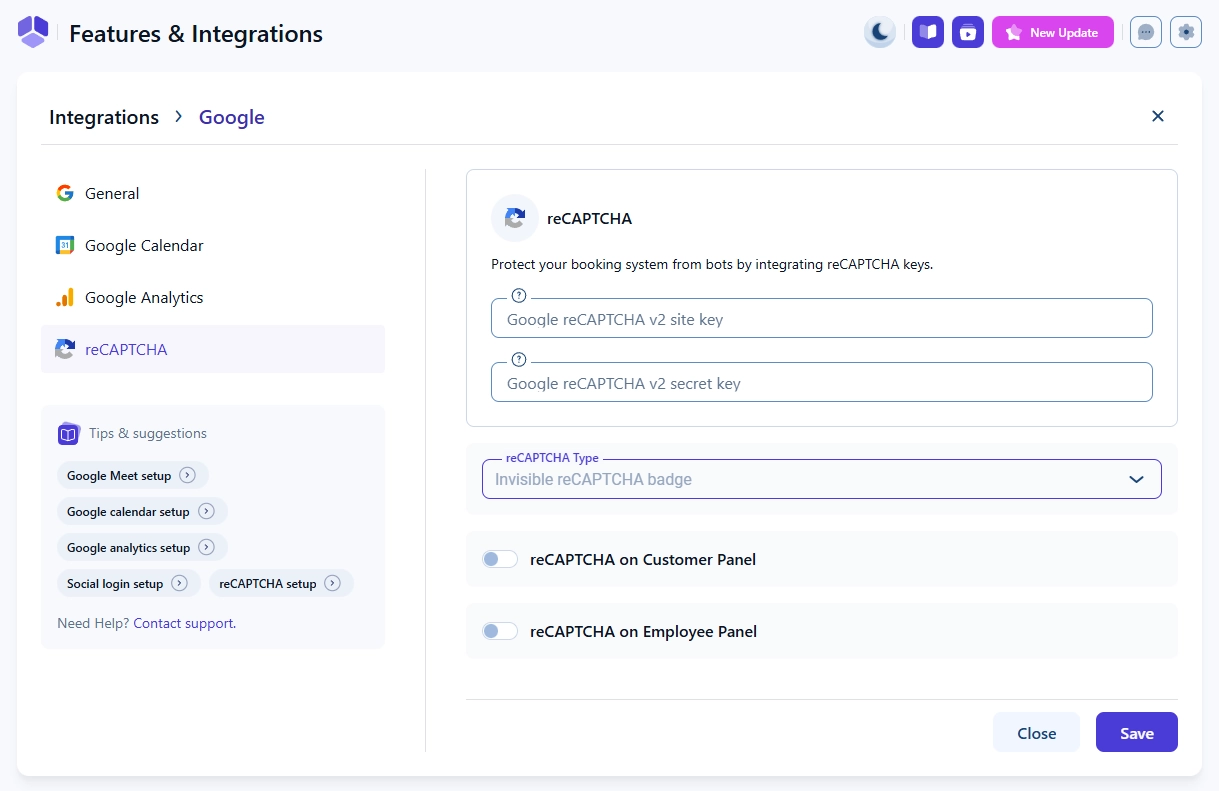
How do I enable Google reCAPTCHA in Amelia?
Open Features & Integrations → Integrations, locate reCAPTCHA, enable the integration, and click Set up.
Note
Amelia validates your reCAPTCHA keys when you configure the integration. If the keys are invalid, the settings cannot be saved, helping prevent issues with the booking form on the front end.
Where do I get Google reCAPTCHA keys?
To use reCAPTCHA, you must create a Site Key and Secret Key in Google’s reCAPTCHA Admin Console.
