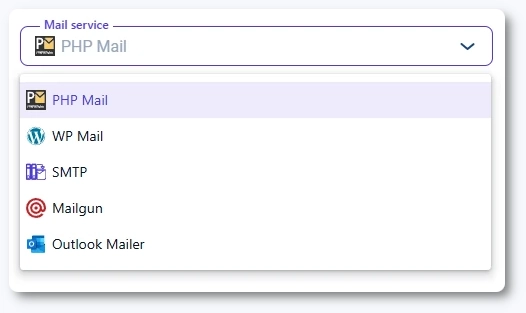
PHP Mail is the default mail service used when no other mail method is configured in Amelia. It requires no additional setup, but it has deliverability limitations you should be aware of.
What is PHP Mail in Amelia?
PHP Mail uses the server’s built-in mail() function to send emails. This means Amelia sends notifications through your hosting provider’s default mail configuration without needing authentication, API keys, or plugins.
Which settings can I configure when using PHP Mail?
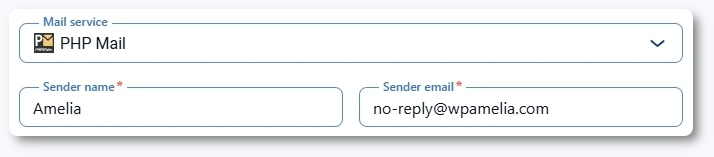
The PHP Mail service exposes the basic sender settings:
Sender name
Sender email
These fields determine the name and email address shown in outgoing notifications.
Info
Even when using PHP Mail, you still need to configure all other notification options such as ICS attachments, additional recipients, and package purchase notifications in Notifications → Email.
Why is PHP Mail not recommended for production use?
Most hosting providers place strict limits on the mail() function, which can cause:
Emails landing in spam
Delayed email delivery
Inconsistent sending behavior
Missing authentication headers
Lower sender reputation
Please note
For reliable delivery, we strongly recommend switching to SMTP, Mailgun, or WP Mail (when paired with a plugin such as WP Mail SMTP).
When should I use PHP Mail?
PHP Mail is suitable when:
You are testing Amelia on a local or staging environment
You want to quickly verify that notifications are sent
You do not have access to SMTP or API-based mail services
It is not recommended for customer-facing, production-level use.