


Limited time discount Book Smarter This Christmas
Up to 50%Off

How does multilingual support work in the Amelia WordPress booking plugin

Amelia supports multilingual websites by allowing you to translate customer-facing content directly inside the plugin, while relying on WordPress and multilingual plugins to determine which language is active on the front end. This allows customers to see booking forms, labels, services, and notifications in their selected language, as long as translations are available.

How does Amelia cooperate with WPML and Polylang?

Amelia cooperates with multilingual plugins by detecting the active locale on the front end and displaying translations accordingly. Plugins such as WPML or Polylang define the current language and locale, while Amelia checks whether that language is added in Settings → General Settings and whether translations exist in Amelia’s code or were added manually through the plugin. If both conditions are met, Amelia displays the translated content to the customer.

Info Note

Amelia does not control language switching or locale selection. This is handled entirely by multilingual plugins, which determine the active language on the front end.

Where do I define additional languages in Amelia?

Additional languages are managed in Settings → General Settings using the Languages dropdown. These languages represent optional front end languages that Amelia can display when they are activated by a multilingual plugin.

Info Note

Do not add the default WordPress language to the Languages list in Amelia. The WordPress site language is always the primary language and is handled automatically.
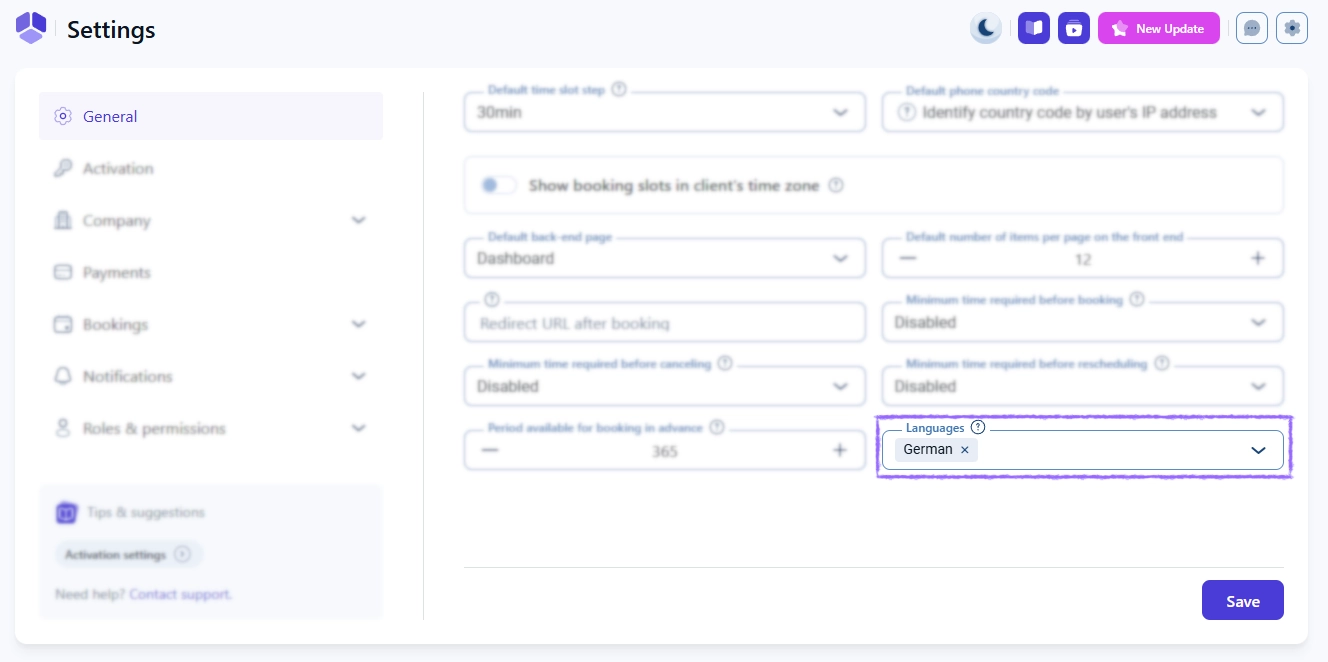
Languages dropdown in Amelia general settings

How do I translate labels and fields shown on the front end?

All customer-facing fields in Amelia include a Translate option that allows you to define language-specific values. Form labels are translated from Customize → Forms → Advanced → Labels, where each label can be edited per language.

A language switcher is available in the upper right corner of the Customize interface, allowing you to preview how customers will see the form once translations are applied.

Translate option for form labels in Amelia

How do notification translations work in Amelia?

Notification templates are translated per language using a language switcher located in the upper right corner of each notification template. When a new language is added, Amelia copies the template from the default language so it can be adjusted independently.

Info Note

Notification templates are stored in the database and are not part of Amelia’s translation files. Amelia ships only with English notification templates, which should always be reviewed and customized.

Language switcher in Amelia notification templates

How are service names, descriptions, and events translated?

Services, categories, extras, and events are translated using the Translate option available next to each editable name or description field. Each translated value is saved per language and displayed automatically on the front end when that language is active.

Translate option next to service name in Amelia

How are Amelia’s core plugin strings translated?

Amelia’s static interface strings are translated through official translation files that are included with plugin updates. Public translations are maintained by the community through Localazy.

If you are interested in contributing translations or maintaining an existing language, incentives such as subscription discounts or SMS credits may be available. For details, contact our team through the Help and Support page.

When should I use POEdit for translations?

POEdit should be used only for local or private translations that are not intended for public distribution. This approach is useful when you need custom wording that differs from the official translations included in Amelia updates.

Info Note
Local POEdit translations are not included in Amelia updates and must be maintained manually.

What should I keep in mind when using multilingual websites with Amelia?

  • Languages must be enabled in Settings → General Settings before translations can be added.
  • Labels, services, and notifications always require manual translation.
  • Country-specific locales may not be available; if a language does not appear, test a generic locale such as Spanish instead of Spanish (Mexico).
  • Notification templates inherit content from the default language and should be reviewed for every additional language.
  • The active language is detected by WPML or Polylang, not by Amelia.