How do extras and gallery images work in Amelia
Extras let you offer optional add-ons that customers can include when booking a service, while the gallery allows you to upload images that visually introduce your service. Both options help personalize your services and improve the booking experience.
Extras appear in the service only if the Extras feature is enabled in Features & integrations. If the feature is disabled, the Extras tab will not be shown.
How do I create extras for a service?
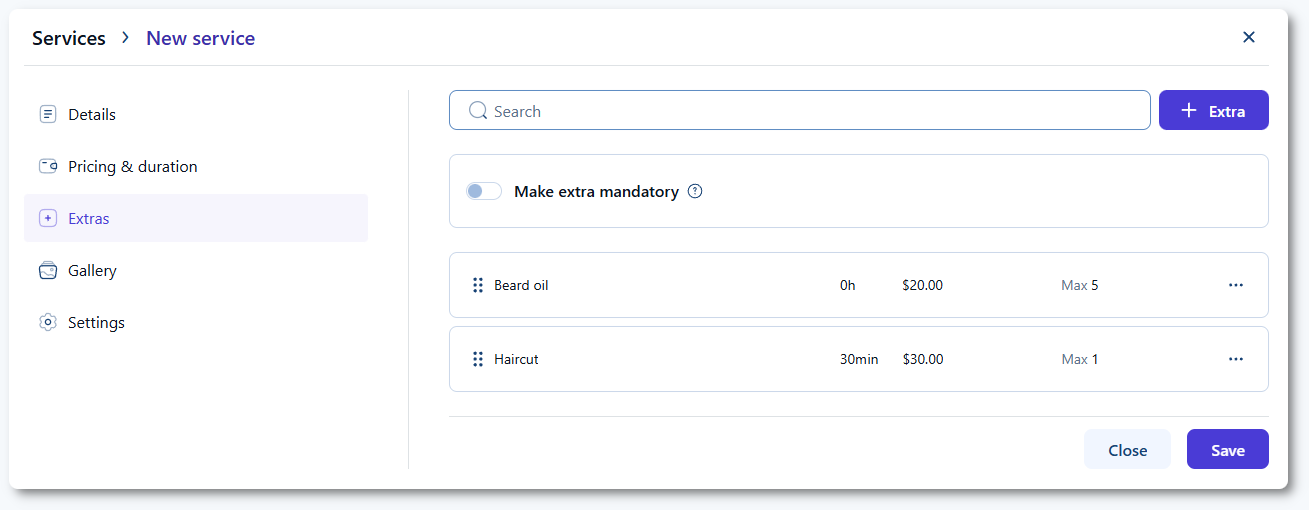
Open a service and navigate to the Extras tab. Click + Extra to add a new optional add-on to the service. The extra name is required, while duration, price, quantity, and description are optional. Duration depends on the Default time slot step configured in General settings and is added on top of the base appointment duration. Make sure the total duration fits into the employee’s working hours.
The extra price is added to the total service price, and the maximum quantity defines how many units of that extra a customer can include. This does not represent inventory or stock tracking.
The description appears below the extra in the booking forms. It can be written as plain text using the built-in tiptap editor or through the HTML mode.
Once written in HTML, do not return to the Text mode because your formatting may be lost or altered.
What does the make extra mandatory option do?
The Make extra mandatory prevents the customer from accessing the date & time selection in the booking form unless an extra is chosen during booking.
How do gallery images work?
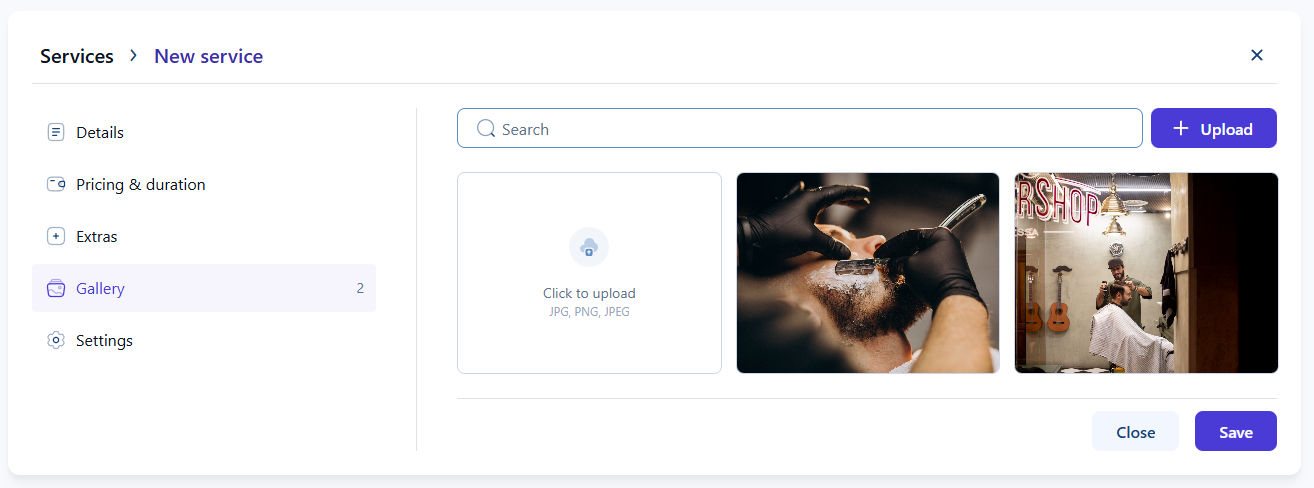
The Gallery tab allows you to upload images that represent your service visually. These images are displayed in the Catalog booking form, helping customers understand the service before choosing it. You can upload multiple images and manage them from the gallery screen within the service.
What should I keep in mind when using extras and gallery images?
- Enable the Extras feature first to access the Extras tab.
- Extra duration increases the overall appointment time.
- Extra pricing contributes to the final booking price.
- Quantity limits control how many units customers can add but do not track inventory.
- Gallery images appear on the service front page when using the Catalog booking form.
- Descriptions behave the same as service descriptions and support HTML formatting.