How do services work in Amelia
Services represent the actual appointment types your customers can book. After creating at least one category, you will need to add a service to make appointments available on your website. A service defines what customers are booking, who provides it, and how it appears across Amelia’s booking forms.
Before creating a service, you must have at least one employee created. Services cannot be saved unless an employee is assigned. Learn how to create employees on the Employee setup page.
Where do I create a new service?
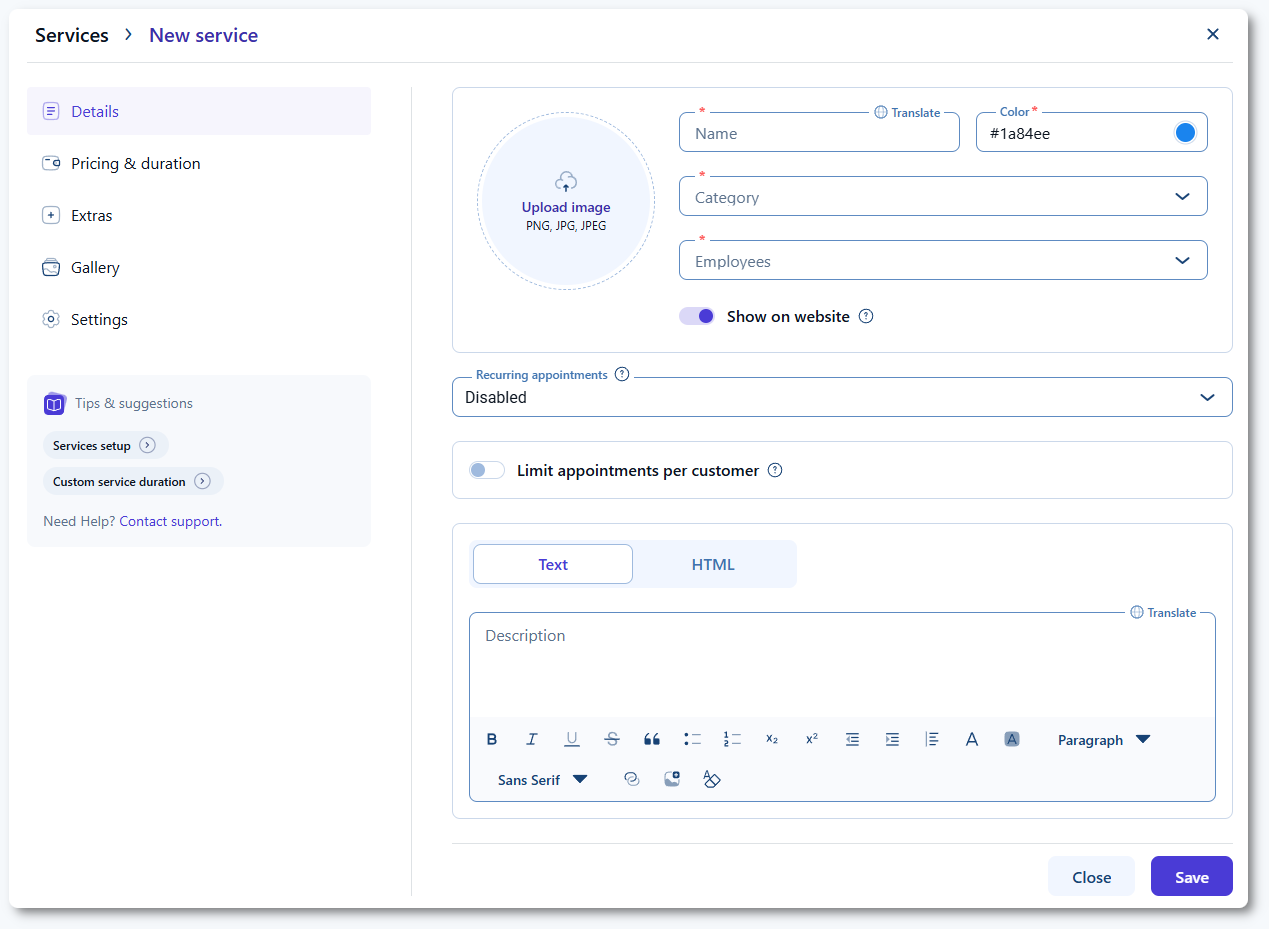
Open Amelia → Services and click + Service. This opens the service creation modal, where you can configure all details of the service. The Details tab is the first step and must be completed before the service can be saved.
What information is required in the Details tab?
The Details tab defines the essential information a service needs in order to be bookable. Enter a service name, choose a color, assign it to a category, and select at least one employee who provides the service.
Enabling Show on website makes the service available in your booking forms. If this option is disabled, customers will not be able to see or book the service online.
How do recurring appointment options work?
If the Recurring appointments feature is enabled in Amelia, the recurring options will appear directly below the employee selection. These settings let you define how Amelia handles unavailable recurring dates and how payments are processed for recurring appointments.
Full details are explained on the Recurring appointments page, so this page does not cover them in depth.
How does the limit appointments per customer option work?
Limit appointments per customer lets you restrict how many appointments a single customer can book for this specific service within a selected period. This limit applies only to the service you are editing and overrides the global appointment limit found in Settings → Roles & permissions → Customer.
You can set the maximum number of appointments, the length of the period, and whether the limitation counts from the booking date or from the appointment date.
Customers are identified by their email address.
To simplify:
- If you set a limit based on the booking date, Amelia restricts how many appointments a customer can book during the chosen time frame (one appointment per day, 3 appointments per week, etc).
- If you set a limit based on the appointment date, Amelia counts how many appointments fall within that time frame, even if they were all booked on the same day (one appointment can be booked for a certain date, 5 appointments in a month, etc).
This helps prevent customers from booking more appointments than intended for the service.
How do I add a service description?
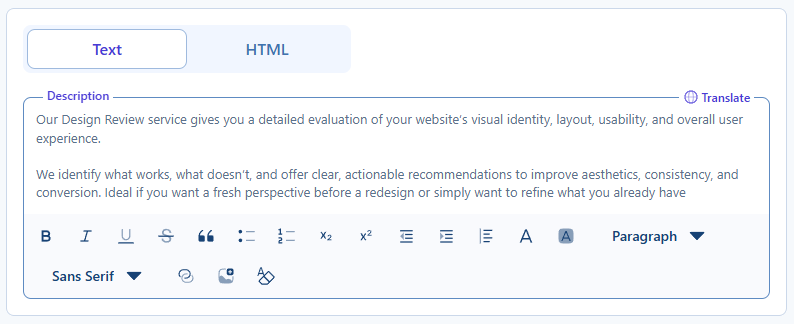
The description appears in the grid view of the Step-by-step booking form and in the Catalog form. You can write it as plain text using the built-in tiptap editor or switch to the HTML mode to add your own markup.
If you switch to HTML, do not return to the Text mode because your formatting may be lost or altered. Both the name and description fields include a Translate option in the top right corner, allowing you to add translations for any additional languages enabled in General settings.
What else should I keep in mind when creating services?
- Every service must belong to a category and must have at least one assigned employee.
- Service visibility is controlled through the Show on website option.
- Recurring settings appear only when the feature is enabled at the plugin level.
- Service-level appointment limits allow more granular control than global limits.
- Descriptions enhance booking clarity and support custom HTML if needed.
- Translations are available only for languages enabled in Amelia General settings.