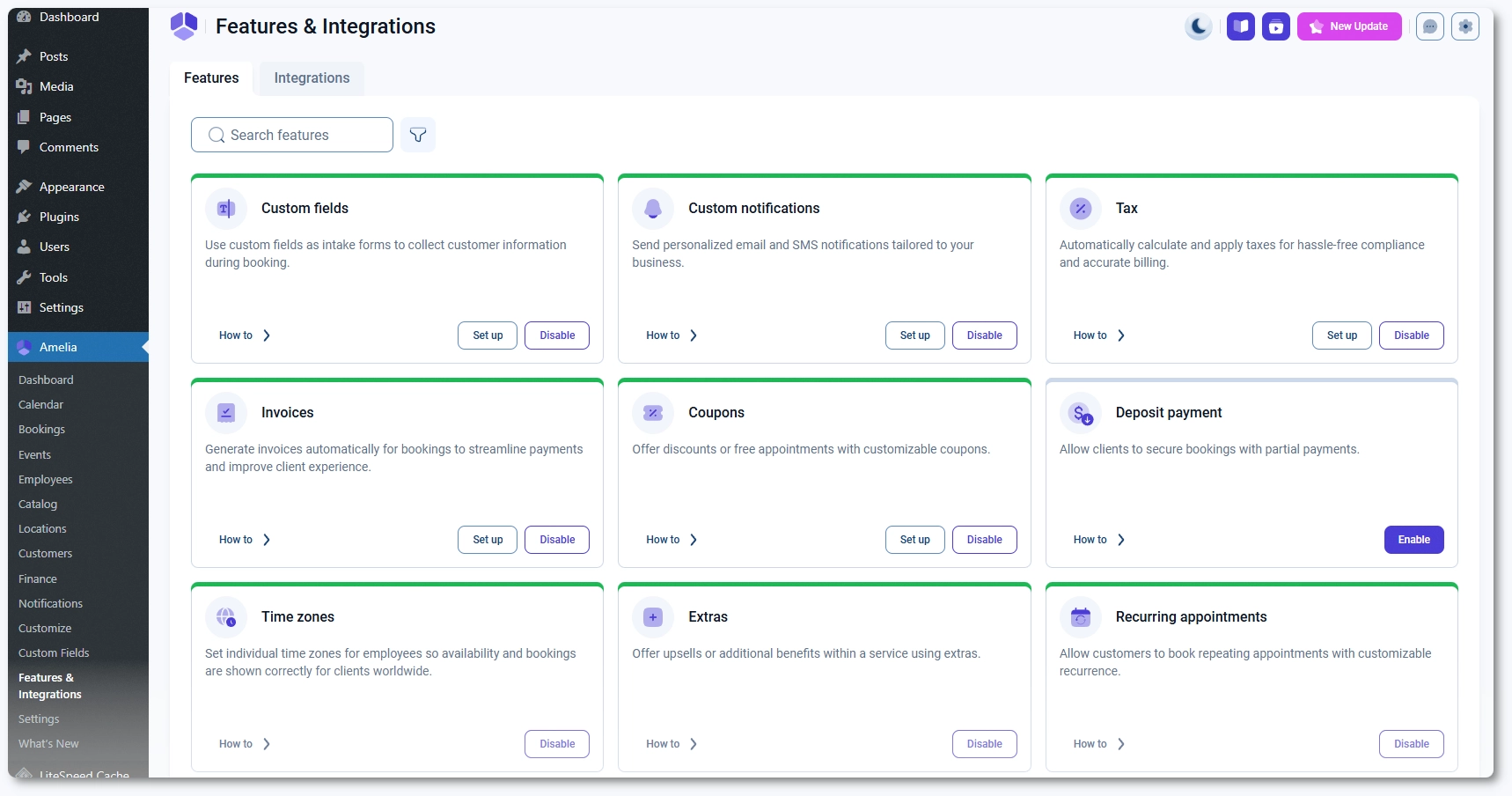
What features are available in Amelia and how do they work
Features in Amelia extend the core booking system and unlock additional functionality throughout the plugin. Once a feature is enabled, Amelia reveals new menus, settings, and options that are not visible by default. This keeps the interface clean and helps you activate only the tools your business needs.
What should I know about features in Amelia?
Many parts of Amelia depend on features being enabled first. For example, Packages and Resources appear under the Catalog only after you turn them on, Custom fields creates its own menu in WordPress once enabled, deposit settings appear in service creation only after Deposit payment is active, and recurring appointment options show up in booking forms only when the Recurring appointments feature is turned on.
Some features depend on others to work properly. For instance, Deposit payment requires at least one online payment method to be enabled under the Integrations tab since it does not apply to on-site payments.
Features also vary by license tier. Starter includes essential booking tools, while Standard, Pro, and Elite unlock additional scheduling logic, automation options, and advanced booking flows. The table below shows which features are included in each plan so you can plan your workflow before enabling them.
Once you enable the features that match your workflow, continue to the individual feature guides to see how each one works, how it changes the booking experience, and how it connects with the rest of Amelia.
 Keep Summer Fully Booked