




Welcome to the world of WordPress plugins for business websites! In today’s digital landscape, having a strong online presence is crucial for businesses of all sizes. WordPress, with its flexibility and extensive plugin ecosystem, has become a go-to platform for building professional websites. If you use WordPress for your website, you are not alone. As a matter of fact, 43.2% of the internet uses it.
Whether you’re a small business owner or a seasoned entrepreneur, utilizing the right plugins (more than 60,000 plugins currently) can supercharge your website’s functionality, enhance user experience, and boost your business’s success.
In this article, we’ll explore a wide range of WordPress plugins specifically designed for business websites.
So, get ready to discover the power of WordPress plugins and unlock new possibilities for your online business presence.
The 15 Best WordPress Plugins for Business Websites
To be successful, directors of SMEs and more significant undertakings need to control many factors. Business automation has proven to be of great help in this regard.
WordPress plugins allow business owners to automate many business aspects. The kind of business you own determines what type of plugin you need. If you want to run an online store, for example, you need an eCommerce plugin. On the other hand, if you need to manage employees, you need a WordPress plugin that helps with that. And if you happen to be in the service business industry, you need a reliable booking plugin. Again, if your business depends on generating leads, you need a different set of plugins for your WordPress site.

Thank you for subscribing. Check your mail for details
We’ve handpicked the very best WordPress plugins for business websites that are sure to cater to your needs.
Let’s take a look!
Amelia
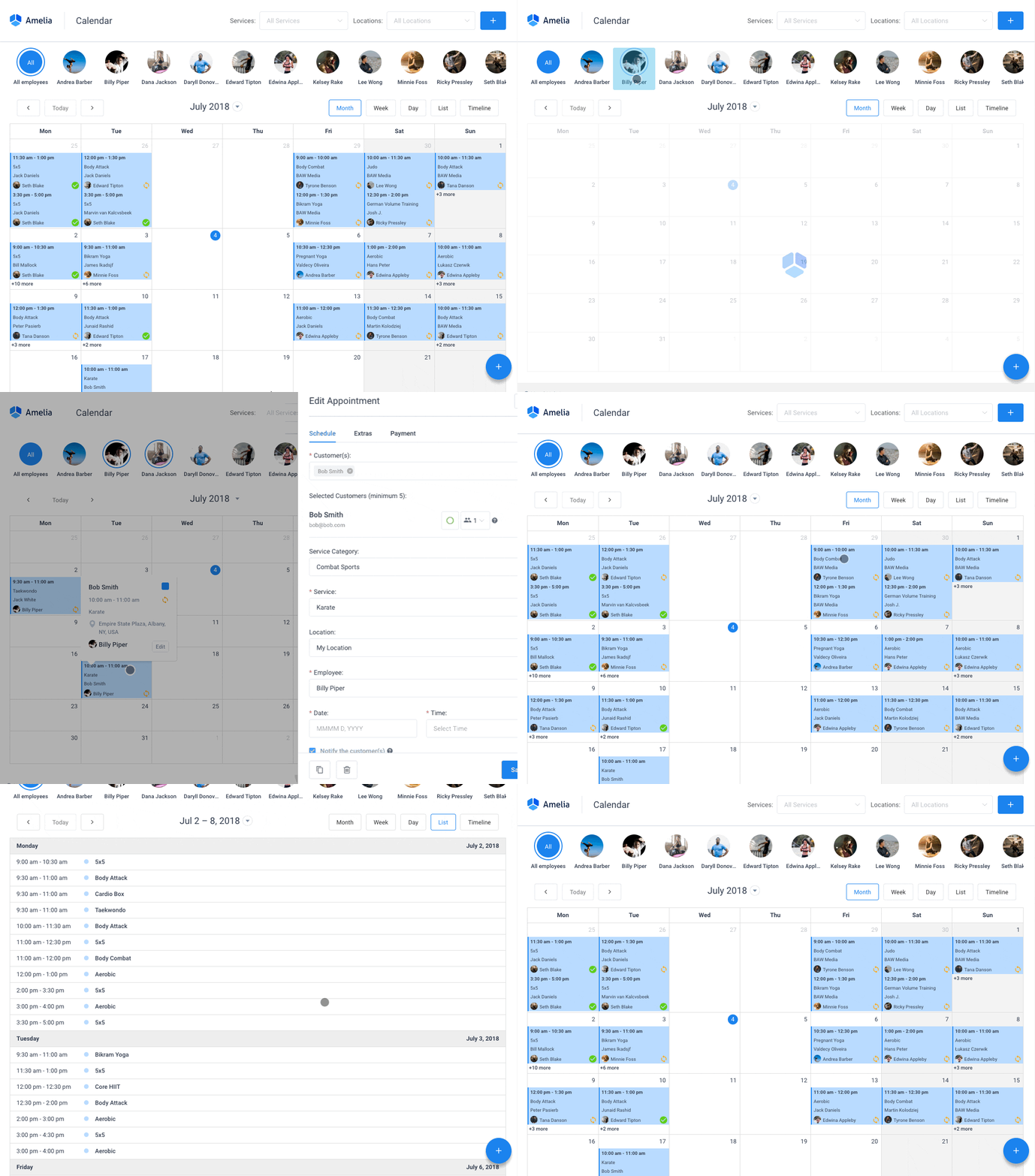
Are you tired of juggling? Juggling customers, appointments, and payments – the list goes on and on and the tasks keep piling up. We know it’s tough. But with Amelia, it’s as easy as Sunday morning.
Amelia has a lot to offer:
- Self-service booking: Customers love control. They want to book when they want. With Amelia, they can. All-day-round booking capabilities? Check.
- Employee management: Who’s free? Who’s busy? Amelia takes the guesswork out. Easily manage employee schedules. Team efficiency? Skyrocketed.
- Flexible payment system: One word: Choices. They matter. With Amelia, offer multiple payment gateways. PayPal, Stripe? Yes, and yes. Turning a customer away because of payment issues? Never again.
- Email notifications: Stay connected, stay informed. Amelia’s got you. Automated email notifications? On it. No more no-shows or last-minute cancellations. Surprise? Not on our watch.
- All-in-one dashboard: Looking for a superpower? How about X-ray vision in your business? One-click reports, and real-time updates, all at your fingertips. With Amelia, you’re in the driver’s seat.
- Integrations: Google Calendar, Google Meet, Zoom, Elementor, and Google Analytics are just some of the integrations Amelia has in store for you.
So here’s the deal. You’ve got a business to run. You need a partner, not just a plugin. Amelia‘s got your back, from sunup to sundown.
Because your business deserves more. It deserves the best. It deserves Amelia. On top of taking bookings, you can build a booking site with AI, letting it generate a themed WordPress site with your services and staff already configured.
Amelia even ships with an AI that books appointments for you, letting customers reserve a slot in natural language while the plugin handles payments and reminders.
Thank you for subscribing. Check your mail for details
IvyForms
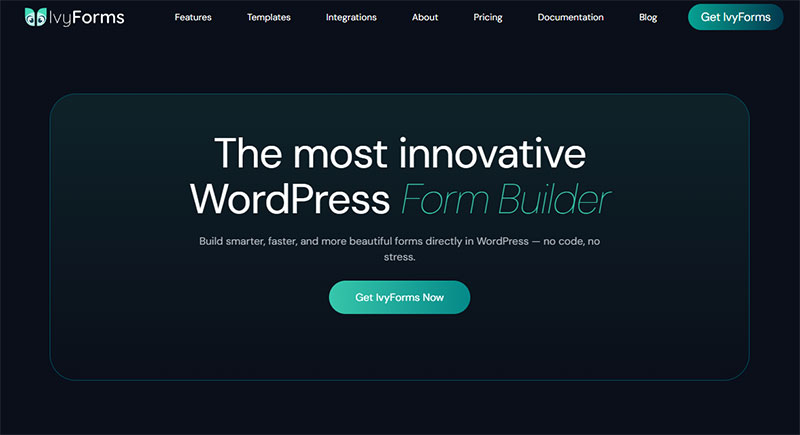
Need to collect leads, handle contact requests, or gather customer feedback? IvyForms covers all of that without requiring you to write a single line of code.
It’s built by the same team behind wpDataTables, WP Amelia, and Trafft, products trusted by over 170,000 WordPress professionals. That background matters because the plugin is genuinely well-built, not just another form tool thrown together to fill a gap.
IvyForms has a lot to offer:
- Drag & drop builder: Build any form in minutes. Just drag fields in, arrange them, and you’re done. No coding, no confusion.
- Conditional logic: Show or hide fields based on what users select. Useful for surveys, quote requests, or any form where one answer changes what comes next.
- Multi-page forms: Split long forms into steps to keep completion rates high. Nobody wants to scroll through 20 fields on a single screen.
- Conversational forms: One question at a time, interactive style. Works really well for lead generation and onboarding flows.
- Spam protection: hCaptcha, Cloudflare Turnstile, and reCAPTCHA are all built in. Your submissions stay clean.
- Email notifications: Get alerted the moment someone submits a form. You can also set up custom confirmation messages or redirect users to a thank-you page.
- Entry management: All submissions are accessible from your WordPress dashboard. Filter, sort, and review entries without switching tools.
- 20+ integrations: Mailchimp, Slack, Google Sheets, Zapier, Square, and more. It also connects natively with wpDataTables and Amelia if you’re already running those.
- Fully responsive: Forms look good on mobile, tablet, and desktop without any extra configuration.
There’s a free version (IvyForms Lite) that covers the basics with no credit card needed. Paid plans start with Essentials for a single site and go up to Agency for unlimited domains. There’s also a lifetime Elite plan for those who want to pay once and be done with it. All paid plans come with a 15-day money-back guarantee.
Akismet Anti-Spam
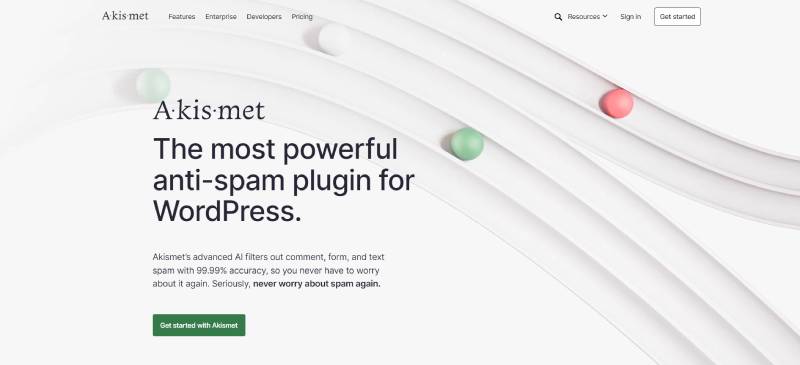
Spam comments are a big problem. Akismet Anti-Spam filters out spam form submissions and comments. It has a large global database with spam accounts and content.
This WordPress plugin can mark comments as spam and remove them. It prevents your WordPress website from spreading malicious content. That makes it a great tool for avoiding the spread of spam-like information.
As Akismet allows you to see what information was removed or flagged as suspicious, keeping up with serious comments becomes a lot more fun.
If you also publish AI-assisted blog posts or other website content, an AI checker extension can help review AI-generated text before publication and maintain consistent content quality.
MonsterInsights
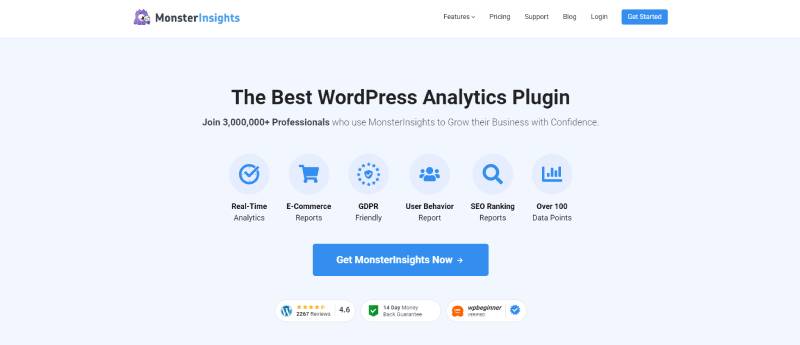
MonsterInsights is one of the best WordPress plugins for business websites. It uses Google Analytics to connect to your website so you can see how many website visitors you get.
It shows you all the relevant information right in your WordPress dashboard. Statistics that MonsterInsights generates include website traffic and where your visitors come from.
Advanced features of this WordPress plugin include:
- Affiliate link tracking
- Custom events tracking
- Enhances tracking for your e-commerce site
- Focus keyword tracking
- Media tracking
- Outbound link tracking
- Universal tracking
- And more
It is easy to set up, and using it does not require deep technical knowledge.
Quiz and Survey Master
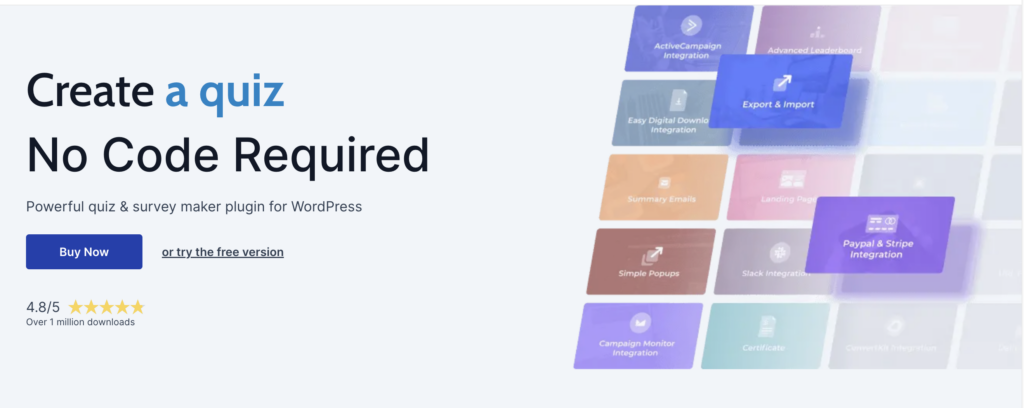
Quiz and Survey Master is one of the best WordPress plugins for businesses that want to speed up and get quality customer feedback. You can create quizzes to collect leads and share surveys with website visitors to gain valuable insights into their preferences.
Installing this WordPress plugin is as easy as it gets and you can start improving user interactions and reaching your conversion goals in minutes.
Advanced features of this WordPress plugin are:
- Generating PDF certificates.
- Automating your content production with seamless integrations with popular software solutions.
- Leader board that allows you to add extra fun to your content by displaying winners.
- Easy filtering and analyzing of results with pie charts, bar charts, and box plots.
- Connect your quizzes with Google Analytics and track the performance using URL Parameters.
- Quickly export results into CSV or connect them directly to Google Sheets and analyze results in real time.
Quiz and Survey Master is one of the best WordPress booking plugins for businesses that want to offer interactive content, generate leads faster, and know exactly what their audience thinks.
Duplicator
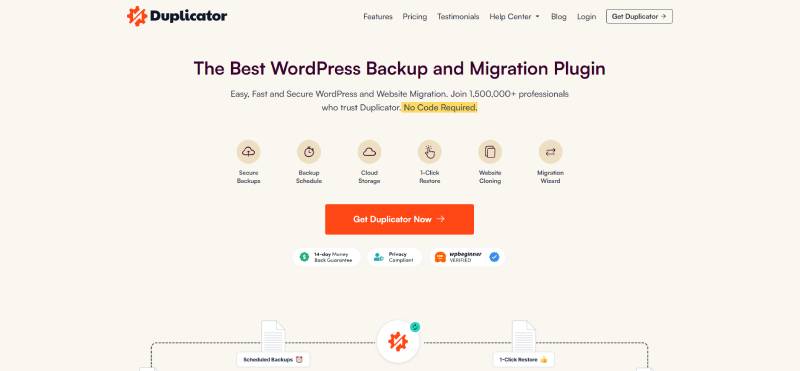
With Duplicator you can make backups of your WordPress website. You can save them in a different location, such as
- Amazon S3
- Dropbox
- FTP server
- Google Drive
- One Drive
Having a backup makes it very easy to restore your website if something happens to it.
Other important features include
- Archive encryption
- Migration wizard
- Multisite support
- Recovery points
There is also a free version, so you can try it out for yourself.
Even as a free WordPress plugin, this is a great backend tool. It is essential for securing the continuity of your WordPress site.
Jetpack

Website traffic is important and Jetpack helps you to get more visitors. It engages people and gets them interested in the content of your WordPress site.
Jetpack gives insight into your site’s statistics and analytics. You can see where your traffic comes from and where people go after visiting your site. That is all the information that Jetpack gathers.
The plugin also allows automatic sharing on different social media platforms. Supported social media integrations include
- Tumblr
Jetpack also offers some cyber security options. It protects against brute force attacks and checks your website’s uptime and downtime.
Formidable Forms
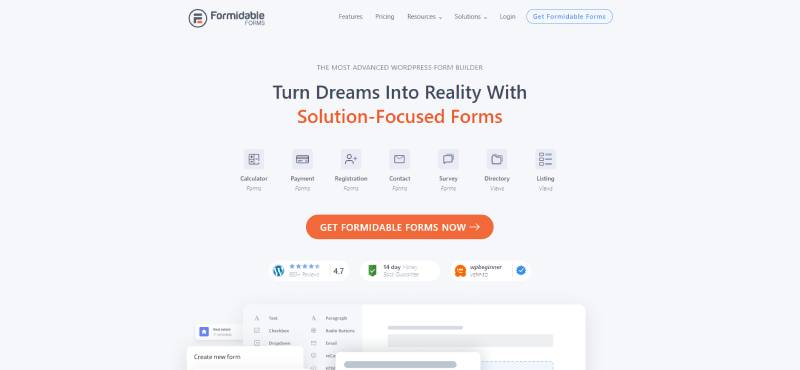
This plugin is well-known for being an excellent drop–form builder. It has many great features, such as
- 25 responsive templates with a professional look
- Car payment calculator
- Drag-and-drop builder
- Dynamic fields
- Form scheduling
- Integrated views
- Large library with form templates
- Loan application
- One-click installation
- Repeater fields
- Travel booking
- Visual styler
Formidable Forms is great for agencies, freelancers, bloggers, developers, and photographers. Any small business owner will love it.
This form builder plugin seeks to empower others to create contact forms with a professional appearance. Its forms are accessible and follow common A11Y rules.
CookieYes
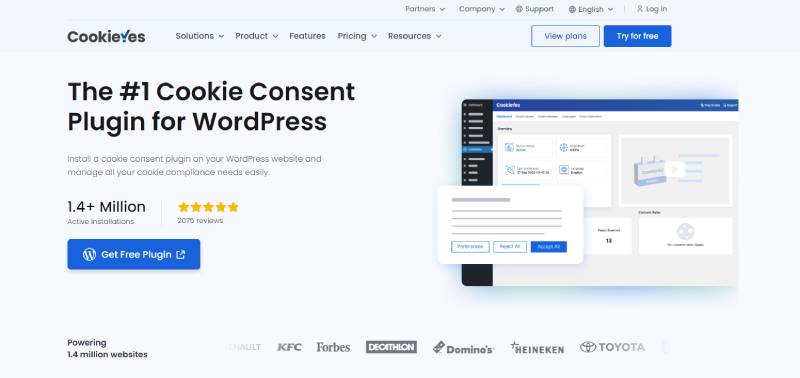
CookiesYes is a plugin that helps your website meet GDPR compliance. It also helps you to meet several other international consumer protection laws. It protects your WordPress site visitors by allowing them to accept or reject cookies.
You can customize the size, color, and place of the cookie notification. You also have the power to decide what happens after they make their selection.
The Cookie Audit feature lets you see the list of cookies that your website uses. That allows you to add them to your Privacy and Cookie Policy page. CookieYes integrates with Facebook Pixel, Twitter Feed, and Instagram Feed.
WP Rocket

WP Rocket is a WordPress plugin for business websites that speeds up your loading times. You don’t need any technical skills to use it.
This caching plugin uses the caching settings that WordPress recommends. For example, it uses cache pre-loading, gzip compression, and page cache. There are extra options, like CDN, DNS prefetching, Lazy Loading, modification, and more. All these help to speed up your WordPress site.
When you have it installed, it builds your website cache by default. It does not wait for the caching request first. The result is a website that noticeably loads faster.
It integrates with other apps for caching configurations, including Cloudflare API and Sucuri.
Rank Math
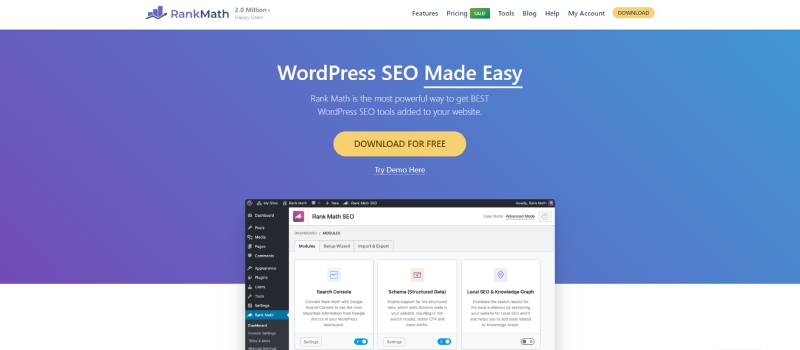
The popularity of the Rank Math WordPress plugin has risen quickly and suddenly. It is an SEO plugin that increases the ranking of your website in internet searches.
This Search Engine Optimization tool optimizes your website against relevant keywords. It thus increases your visibility and website traffic.
It considers industry best practices and suggests ways in which you can improve your website’s SEO. The plugin has a user-friendly interface and an AI content writing assistant. But remember, using the writing assistant can increase the AI detection score of the content. Before publishing, make AI text human and natural-sounding. You can see your SEO statistics on the dashboard and use the schema generator.
ThirstyAffiliates

An affiliate program is one of the easiest ways to earn money with your WordPress website. The ThirstyAffiliates plugin enables you to do that. You can promote your services, including coaching, writing, sales, advertising, and so on. This WordPress plugin for business websites has advanced features for that purpose, like link cloaking.
Other advantageous features of ThirstyAffiliates include
- Auto linker
- AZON
- CSV importer
- Geolocations
- Google Click Tracking
- Statistics
This plugin has very high ratings on WordPress.org. Many developers use it to resolve support threads. There is a free version of this plugin with access to many of its features.
Yoast SEO
If you want people to find your website, you must consider Search Engine Optimization. Yoast SEO helps you to write website content that will do just that.
That is important because Google searches websites for keywords. Based on these searches they add context and rank your website.
The power of Yoast SEO is that it helps you to add the right keywords to your text. When you have identified your keywords, it helps you write the right content around them.
Other SEO features of Yoast SEO are title and meta description previews.
WooCommerce
WooCommerce is one of the most-used WordPress plugins for business websites. It allows you to set up an online store and sell physical goods. You can also sell digital and other types of products.
The plugin allows you to set shipping rates. You can go for a flat rate, free shipping, or add a shipping rate calculator.
You can choose different payment options. WooCommerce works with all the major credit card companies. You can also use PayPal, bank transfers, or add the cash upon delivery option.
WooCommerce gives you full control over your store. It lets you add or remove extensions, switch settings, or change the entire design.
Sucuri
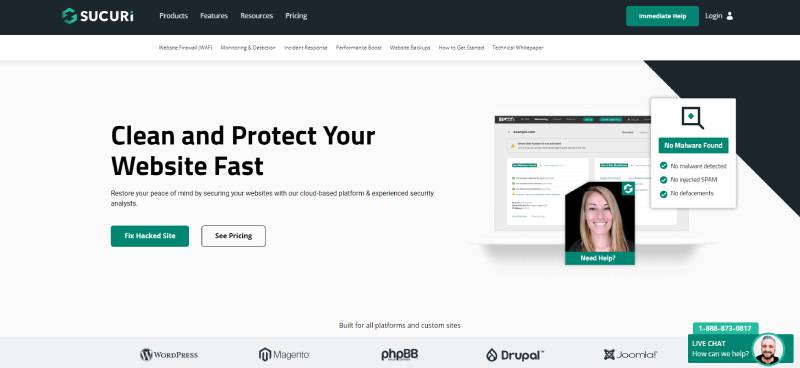
Security is one of the most important aspects of a business website. Sucuri is a WordPress security plugin and firewall that provides one of the best protection plans available.
It protects your WordPress site from DDos and XSS attacks, malware, spam, and brute-force threats. In essence, it covers all aspects of cyber security. If you are not protecting your website yet, you need to start ASAP.
It also takes care of your website speed by adding a CDN layer.
MemberPress
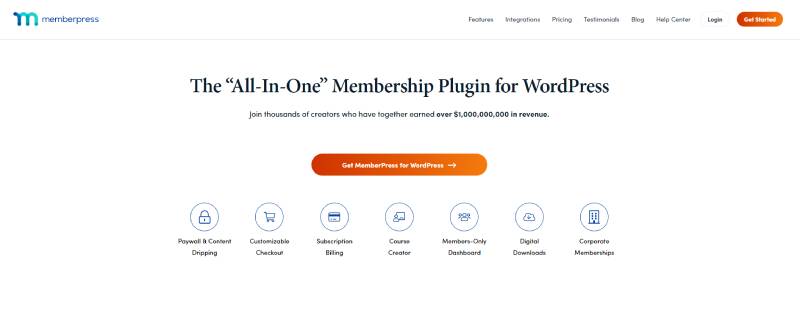
This is the last example of WordPress plugins for business websites on this list. As the name indicated, this is a membership plugin.
This plugin lets you build a membership site with online courses, communities, and much more. You can restrict access and allow access to those with a subscription plan. MemberPress integrates with WooCommerce so you can sell your membership plans. Other features include
- Automation features
- Course management
- Drip content
- Group membership
- Robust access rules
You can integrate MemberPress with several email marketing platforms. This allows you to communicate with your members and connect your site with the email marketing tools you already use for newsletters, automated campaigns, and subscriber management. You can also integrate different payment portals, run affiliate programs, and much more.
FAQ on WordPress Plugins for Business Websites
Which plugins are best for improving the SEO of my business website?
SEO is critical for visibility and plugins like Yoast SEO and All in One SEO Pack can give your site an SEO boost. They help optimize your content, generate sitemaps, and offer other handy features to make your site more search engine-friendly.
What are the recommended plugins for online sales?
If you’re planning on selling products or services directly from your site, WooCommerce is a must-have plugin. It transforms your WordPress site into a full-fledged e-commerce platform. For simpler needs, Easy Digital Downloads could be a good fit.
Are there specific plugins to enhance the security of my business website?
Security is paramount, especially for business websites. Plugins like Wordfence Security and Sucuri Security offer robust features to protect your site from hackers. They can help with things like malware scanning, firewall settings, and even brute force protection. Additionally, it is a good practice to check your personal computer for malware in Activity Monitor as it can steal login credentials for your WordPress site, especially if you save passwords in your browser.
Which plugins can help me better engage with my customers?
For customer engagement, plugins like LiveChat allow you to chat with visitors in real time. You might also consider a plugin like WPForms or Contact Form 7 to make it easy for visitors to get in touch with you.
Are there any plugins to help speed up my business website?
For improving website speed, plugins like WP Super Cache or W3 Total Cache can help. They work by creating static versions of your pages, reducing the load on your server, and making your pages load faster for your visitors.
How can I make my business website mobile-friendly with plugins?
There are plugins like WPtouch that help you make your site mobile-friendly. However, most modern WordPress themes are already responsive, meaning they adapt to different screen sizes without needing an additional plugin.
Are there plugins that help with scheduling and appointments for my business?
Absolutely! Bookly is a powerful booking plugin that can handle scheduling and online payments. Another good choice is the Appointment Booking Calendar which allows customers to book appointments directly from your site.
How can I use plugins to showcase my business location?
Plugins like WP Google Maps and Maps Marker can help you easily add a map to your site, which is particularly useful for businesses with a physical location.
Can I create and manage events on my business website with plugins?
Yes, you can. The Events Calendar is a popular plugin that lets you easily manage events. It allows you to create events, display them in various styles, and even sell tickets.
Is there a plugin to help manage testimonials on my business site?
Yes, there are multiple options for this. Plugins like Testimonials Widget let you easily display customer testimonials on your site, which can help boost trust and credibility.
Final Thoughts
WordPress is the most popular content management system with one great advantage – you can use plugins to enhance its capabilities. There are security plugins, management plugins, online scheduling plugins, and others.
By using the power of WordPress, business owners can get the most out of their websites. Although this list consists of different WordPress plugins for business sites, they have one thing in common. They are developed to provide the best user experience.
Take your time and pick the ones that align with your business goals and objectives.
If you enjoyed reading this article about WordPress plugins for business, you should read these as well:
- The Best Small Business Employee Scheduling Solutions
- Don’t Miss Out on the Benefits of Scheduling for Your Business
- The Best Therapy Scheduling Software for Your Business

Explore topics

Read Inspiring Customer Stories
Check out how our user set Amelia for his business