 Spring Deals Are in Full Bloom




 Web Developers and Agencies
  Beauty and Spa Salons, Barbershops
  Yoga Instructors and Studios
  Doctors and Healthcare
  Event agencies, hosts and organizers
  Gyms and Personal Trainers
  Automotive and Car Repairs
  Photographers and Studios
  Coaching and Consulting
  Event Agencies and Hosts
  Appointment Booking
  Scheduling for Your Business
  Booking for WooCommerce Stores
  See How Others Use Amelia

Explore topics
Amelia 9.3 Update Brings More Control to Scheduling and Events
Group Bookings vs. Individual Appointments: Which Model Fits Your Business?
Amelia vs Start Booking: Which Booking Solution Is Better for WordPress Businesses?
Amelia Q1 2026 Update: Improvements, Integrations, and What’s Coming Next
Recurring Appointments Guide: Streamline Your Scheduling & Boost Performance


Read Inspiring Customer Stories
Check out how our user set Amelia for his business
Read the full story
WordPress powers a significant portion of the internet, from small business websites to enterprise-level platforms. Its flexibility and extensive plugin ecosystem make it an attractive choice for entrepreneurs, developers, and growing companies. Booking systems, eCommerce platforms, SEO tools, membership portals, and marketing automation features can all be added with just a few clicks.
However, this flexibility comes with risk. As websites add more plugins, the chances of compatibility issues between them increase. Plugin conflicts can lead to broken layouts, malfunctioning forms, payment failures, and degraded user experiences. For businesses that depend on their websites for revenue and customer engagement, even minor disruptions can have serious consequences.
As WordPress ecosystems become more complex, automated testing has emerged as a critical safeguard against these risks.
Understanding Plugin Conflicts in WordPress
Plugin conflicts occur when two or more plugins interfere with each other’s functionality. This can happen for several reasons. They may load conflicting scripts, override the same functions, or depend on incompatible versions of WordPress or PHP.
For example, an appointment booking plugin might stop processing payments after an eCommerce plugin update. A security plugin might block essential scripts required by a page builder. In some cases, the conflict may not be immediately visible, appearing only under specific user conditions or devices.
Manual troubleshooting can be time-consuming and frustrating. Developers often deactivate plugins one by one to identify the source of the issue. For businesses running live websites, this trial-and-error process can lead to downtime and lost revenue.
The Cost of Website Instability
Website reliability directly impacts customer trust. Alongside testing and regular updates, website owners should also follow basic security practices to protect their sites from vulnerabilities. That’s why learning how to secure your WordPress website is an important step in maintaining a stable and reliable platform.
When users encounter errors during checkout or experience broken booking forms, they are unlikely to return. Negative experiences can lead to abandoned carts, poor reviews, and reduced brand credibility.
Search engines also factor user experience into ranking algorithms. Slow loading pages, error messages, and inconsistent functionality can harm visibility. Stable, well-tested websites are more likely to maintain strong performance metrics.
Business owners who understand the risks associated with plugin conflicts often explore structured approaches to validation. Many start by reviewing a guide to WordPress testing to understand the foundational principles of quality assurance. However, as websites grow and update frequency increases, manual checks alone become insufficient.
Why Manual Testing Is No Longer Enough
In the early stages of a website, manual testing may be manageable. A small number of plugins and infrequent updates allow developers to review changes individually.
Over time, though, updates become more frequent. WordPress core releases new versions, plugin developers push patches, and themes introduce new features. Keeping up with these updates is an essential part of regular WordPress website maintenance tasks, especially for sites running multiple plugins and integrations.
Each update introduces potential compatibility risks. Manually testing every feature across devices, browsers, and user roles quickly becomes impractical. Human testers may overlook edge cases or fail to replicate specific user journeys.
Additionally, complex WordPress sites often integrate with external services such as payment gateways, CRM systems, or email marketing platforms. Testing these integrations manually increases the chance of missed defects.
Automated testing addresses these limitations by running predefined validation scenarios consistently and efficiently.
The Role of Automated Testing in Conflict Prevention
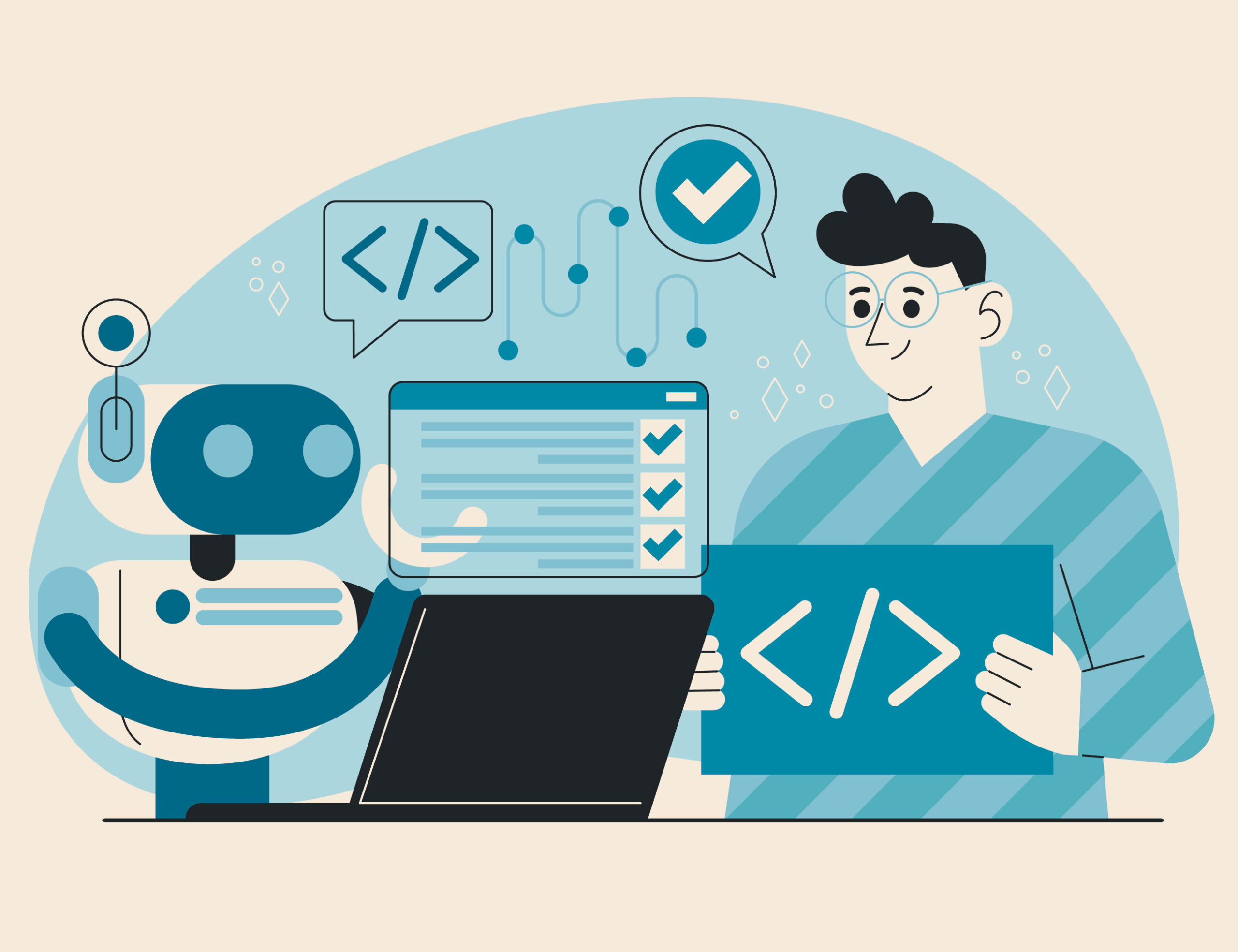
Automated testing allows teams to simulate real user interactions and verify that essential features function correctly after updates. Instead of relying on ad hoc checks, automated scripts execute structured workflows such as booking appointments through plugins like Amelia, processing payments, submitting forms, and navigating between pages.
When an update introduces a conflict, automated tests can detect the issue immediately. This early detection prevents problematic code from reaching production environments. Developers can resolve conflicts before customers experience disruptions.
Modern testing strategies often include regression testing to ensure that new changes do not break existing functionality. By automating regression tests, WordPress developers gain confidence that core features remain stable after each update.
Midway through adopting more advanced quality assurance practices, many teams explore platforms like testRigor, as an automated software testing tool, to streamline regression testing across complex WordPress environments. Leveraging such solutions reduces manual effort and enhances coverage, especially when managing multiple plugins and integrations.
Continuous Integration for WordPress Projects
Continuous integration, commonly used in software development, is increasingly relevant for WordPress projects. In a CI workflow, code changes trigger automated builds and tests before deployment. This approach reduces the risk of introducing unstable updates.
For plugin developers and agencies managing multiple client sites, CI pipelines offer significant advantages. Automated testing can validate compatibility with popular plugins, themes, and WordPress versions. By integrating testing into deployment workflows, teams catch conflicts early and maintain higher quality standards.
Continuous integration also improves collaboration. Developers receive immediate feedback on changes, enabling faster resolution of issues. This efficiency reduces downtime and supports faster innovation.
Testing Across Devices and Browsers
Plugin conflicts may not appear consistently across all environments. A feature might work perfectly on one browser but fail on another. Mobile responsiveness may be affected differently from desktop layouts.
Automated testing tools can simulate various devices and browsers to ensure comprehensive coverage. Validating responsive layouts and interactive elements across environments protects user experience and reduces support requests.
For businesses with international audiences, ensuring consistent performance across devices is especially important. Reliable testing builds confidence that customers will experience seamless interactions regardless of location or device.
Protecting Revenue and Brand Reputation
For e-commerce stores and service providers, website functionality directly affects revenue. A failed checkout process or broken booking form will lead to immediate financial loss. Moreover, even short periods of instability can damage customer loyalty.
Automated testing acts as an insurance policy against these risks. By proactively identifying compatibility issues, you’ll prevent disruptions that could otherwise impact sales and reputation.
Furthermore, consistent website performance strengthens brand perception. Customers associate reliability with professionalism. A stable platform reinforces trust and encourages repeat engagement.
Building a Scalable Testing Strategy
As WordPress ecosystems grow, testing strategies must evolve. Scalability requires structured documentation, reusable test cases, and integration with development workflows. Businesses should identify critical user journeys and prioritize them in automated test suites.
Key steps in building a scalable strategy include:
- Define core workflows that generate revenue or engagement.
- Automate repetitive regression tests to validate updates quickly.
- Integrate testing into update and deployment processes to catch issues early.
- Monitor test results and address failures promptly to maintain stability.
By treating testing as an ongoing process rather than a one-time task, teams maintain resilience as their websites expand.
Conclusion
WordPress offers unmatched flexibility through its plugin ecosystem, but this flexibility introduces compatibility risks. Plugin conflicts can disrupt user experiences, harm revenue, and damage brand reputation. As websites grow more complex and update cycles accelerate, manual testing alone cannot provide sufficient protection.
Automated testing provides a structured and efficient solution. By detecting conflicts early, validating updates, and ensuring consistent performance across devices, businesses can maintain stability and confidence in their WordPress environments.
Investing in automated testing is not merely a technical decision. It is a strategic move that safeguards growth, protects customer trust, and supports long-term success in an increasingly competitive digital landscape.
 Back to Previous


Read Inspiring Customer Stories
Check out how our user set Amelia for his business
Read the full story