 Keep Summer Fully Booked

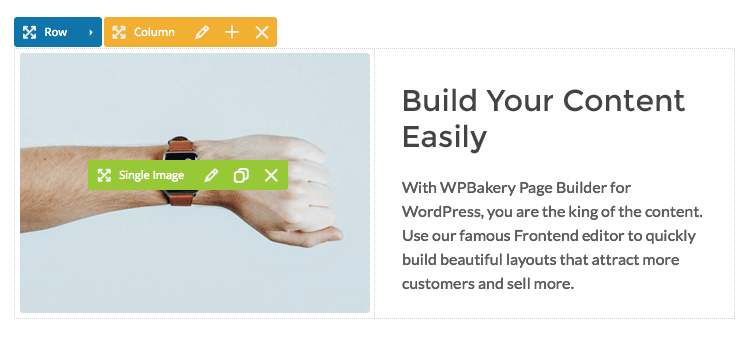
Don’t be put off by outdated information or rumors – WPBakery is not outdated. While you might come across a few articles or AI-generated summaries suggesting otherwise, the truth is that WPBakery is regularly updated and packed with modern features.
It’s a genuinely reliable tool that makes it easy to edit and keep your website looking great. If you’re searching for an easy and effective way to manage and update your WordPress site, WPBakery remains a solid, trustworthy choice that’s supported by ongoing development and improvements.
Where the “Outdated” Claim Comes From (And Why It’s Misleading)?
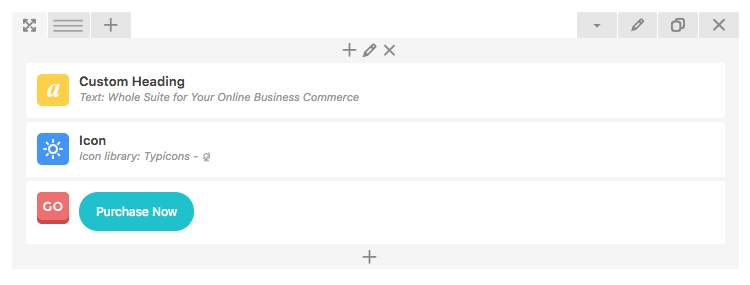
Context is key when you hear claims about any tool, including WPBakery. It’s all too common for the “outdated” label to come from old blog posts, second-hand opinions, or information that’s simply been recycled online for years without anyone stopping to check if it’s still relevant.
Instead of taking these stale opinions at face value, we recommend digging a little deeper. Take a moment to look for recent reviews, changelogs, and updates to see what WPBakery is actually capable of today. By focusing on current, up-to-date information, you’ll be in a much better position to make the best choice for your website and avoid getting misled by outdated or incomplete advice.
Current State: Dual Editors, Modern UI, AI Assistant, and Ongoing Updates
Facts are always more important than FUD (Fear, Uncertainty, and Doubt). When it comes to WPBakery, it truly stands out thanks to a robust set of features that make designing great-looking pages both simple and enjoyable, while also helping you keep your website up to date.
By keeping your plugins current, you get access to a whole suite of modern tools, including:
- Dual editors – enjoy both front-end and back-end editing for flexible site building.
- Modern user interface – everything is designed to be easy and intuitive, even if you’re new to page building.
- AI Assistant – this handy feature helps speed up your workflow so you can get more done in less time.
- Ongoing updates – regular improvements and new features keep things fresh.
All these features combine to ensure WPBakery remains a reliable, effective solution for all your website’s needs.
Release Cadence and How To Stay Current
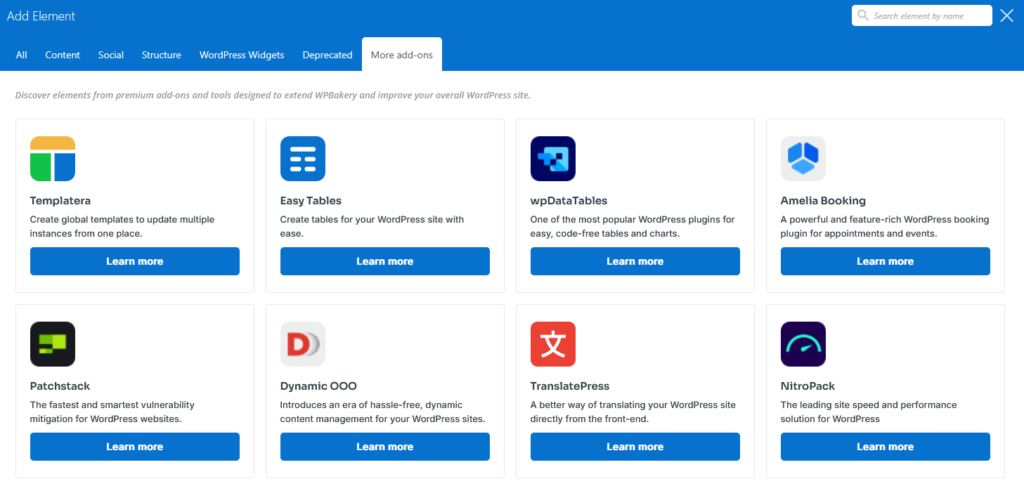
To get the latest improvements, it’s really important to keep WordPress, your theme, and WPBakery in sync. Staying up to date by releasing updates frequently, multiple times a year, isn’t just about having the newest features – it’s also about keeping your website stable and secure.
Take a few minutes to review release notes whenever there’s an update. This helps you spot any important changes or new features that could affect your site. Before updating anything, double-check that your PHP and WordPress versions are compatible with the update you’re planning to install.
A great habit is to test all updates on a staging site first. This simple step lets you catch any unexpected issues before they can impact your live website. Following this routine keeps your site running smoothly and ensures you always benefit from the latest improvements without any nasty surprises.
Adoption and Stability at Scale (Millions of Sites, Long Term Support)
When a tool has been widely used and trusted for years, that’s a strong indicator of reliability. WPBakery Page Builder is an excellent example of this – it’s a favorite in the WordPress community and currently powers over 5,800,000 websites around the globe.
Such widespread, long-term adoption speaks volumes about its stability and future. When you choose a plugin with this kind of ongoing support and popularity, you can feel confident that it will continue to evolve and be there for you and your website over the long run.
Performance Reality: Builders Aren’t the Bottleneck
The idea that WPBakery is “outdated and slow” just doesn’t stand up to scrutiny when you dig a bit deeper. In reality, most website speed problems come from other sources, like heavy themes, oversized images, or too many scripts running at once – not from WPBakery itself.
If you prioritize optimizing your website, resizing your images, and minimizing extra scripts, your site will run much faster and smoother. This means you get to spend more time enjoying all the creative design features WPBakery has to offer, and less time stressing about performance issues.
One more friendly tip: try to avoid loading multiple page builders on the same site or page. If you’re using WPBakery for creating and editing pages, it’s still possible to write long-form content with the Gutenberg Editor element inside WPBakery. Just be sure to deactivate any unused builders to prevent script conflicts and unnecessary bloat. This will keep your website streamlined and efficient.
If your site feels sluggish, investing time in WordPress speed optimization can significantly counteract the performance drag caused by heavy page builders loading oversized scripts.
If Your WPBakery Feels “Old,” It’s Usually an Outdated Version – Here’s How to Fix It
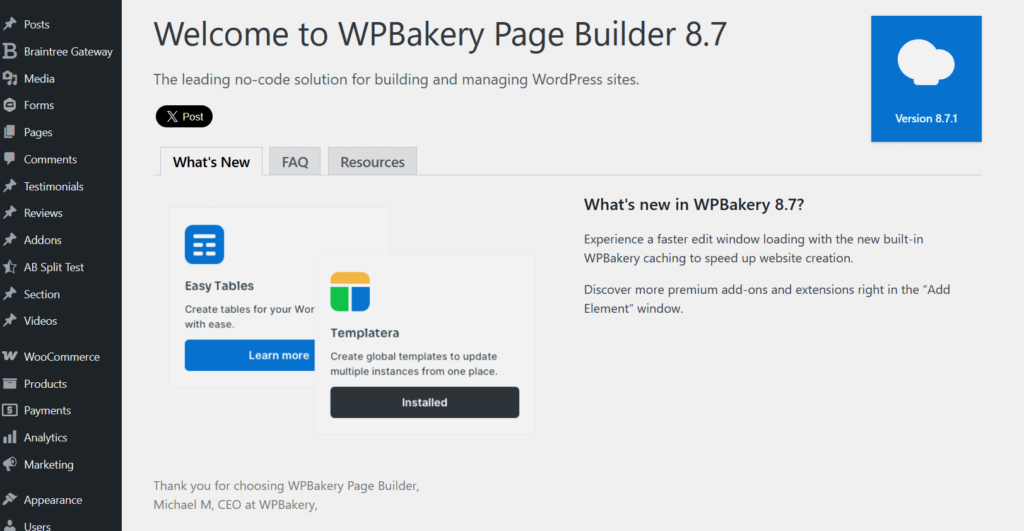
It’s easy to assume WPBakery is outdated, but more often than not, the real issue is that people are running an old version of the plugin. WPBakery actually receives regular updates packed with new features and improvements – the key is making sure your website is using the latest version.
Keeping your plugin current unlocks all the newest editing options and helps keep your site running smoothly. In the next section, we’ll walk you through the safest way to update your plugin, so you can enjoy all the latest capabilities without any hassle.
How to check your version (bundled vs direct license) and update cleanly
How you update WPBakery really depends on how you originally got the plugin. If your theme came bundled with WPBakery, then any updates will come through the theme author – so you’ll need to wait for them to release a new version. On the other hand, if you purchased WPBakery directly, you can update it just like any other plugin right from your WordPress dashboard.
Knowing which license type you have is important because it helps you follow the correct update process and ensures you always get access to the latest features and fixes. This way, your website stays secure, optimized, and up to date!
Verify licensing and update channel
In your WordPress dashboard, take a moment to check whether WPBakery is listed as a direct license or as a bundled version.
If you have a direct license, you’ll get updates right away through the plugin itself. This means you can always stay current with the latest features and fixes. If WPBakery is bundled with your theme, updates will only arrive when the theme author releases them.
Knowing which version you have, helps you plan updates and ensures your site stays up to date and running smoothly.
Common symptoms of outdated installs (missing elements, JS errors) and fast remedies
If WPBakery is outdated, you might notice issues like missing page elements or unexpected JavaScript errors on your site. These problems can be frustrating, but they’re often simple to fix.
Start by checking which version of WPBakery you have installed. Clear your browser cache and your WordPress cache to rule out any old files causing display problems. Next, check for plugin conflicts by temporarily deactivating other plugins, and make sure both your PHP and WordPress versions are up to date.
The best part is you can handle all these troubleshooting steps right from your WordPress dashboard, making it easy to get your site back on track and running smoothly again.
When Your Theme Delays Updates: Options and Workarounds
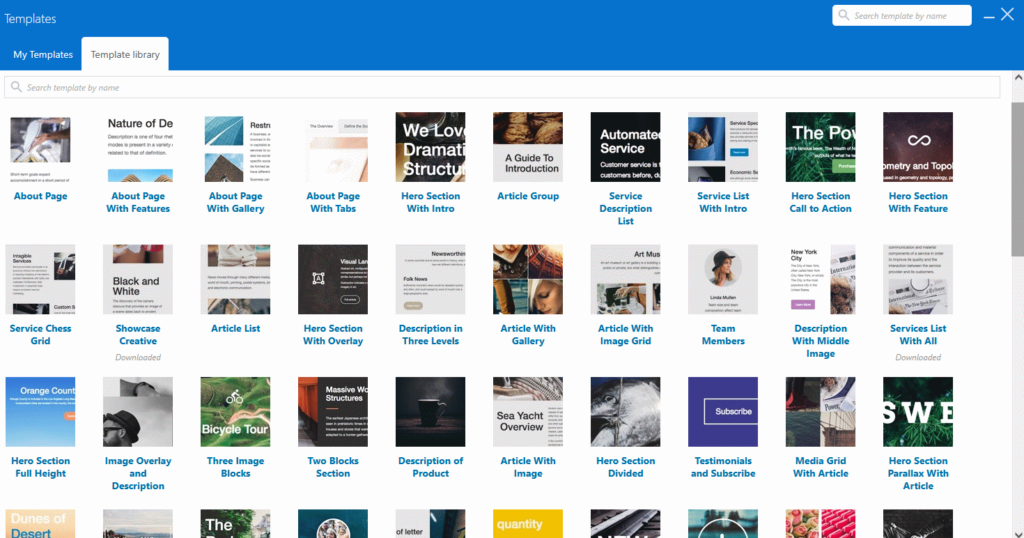
It can be frustrating when theme vendors are slow to release updates, especially if you’re eager to access the latest WPBakery features. If you’re stuck waiting, you have a couple of solid options:
- Purchase a standalone WPBakery license to receive updates directly and much faster.
- Contact your theme vendor and politely ask if they can accelerate their update schedule.
By taking these proactive steps, you help keep your site current, secure, and fully equipped with the newest editing tools. This way, you won’t get stuck using outdated features or miss out on improvements!
When to consider a direct license
If your theme’s update schedule is slower than WordPress core updates, or if you manage several sites that need quick fixes, getting a direct license for WPBakery is a smart move.
Upgrade path for theme-bundled users: direct license
If you’re currently using a theme-bundled version of WPBakery but want immediate access to the newest features, buying a direct license is a great, practical decision.
With a direct license, you gain full control over when you update WPBakery, so you don’t have to wait for your theme author to release updates. Plus, you’ll have access to official support whenever you need help or guidance, making website management much smoother and more reliable.
Benefits of WPBakery Support Plus
WPBakery Support Plus gives you extra peace of mind by offering enhanced support benefits. With Support Plus, you get priority assistance, meaning your support requests are handled faster. You’ll also receive additional guidance on updates and compatibility, which makes it easier to keep your site running smoothly and up to date.
If you’d like more details, you can check out their official announcement.
Safe switch steps – from bundled to direct
Here’s a safe way to switch from a bundled copy of WPBakery to a direct license:
- Back up your site and create a staging copy. This gives you a safety net in case anything goes wrong during the update process.
- On your staging site, deactivate the bundled WPBakery, then install and activate your direct-licensed version. This ensures you’re working with the most up-to-date plugin.
- Re-test your core pages and editor workflows to make sure everything is working as expected.
- Once you’ve confirmed all is well, repeat these steps on your live site during a planned maintenance window to minimize any disruption for your visitors.
Update Scenarios – A Simple Decision Guide
Different situations call for different actions, so it’s helpful to have a simple guide on hand to decide what to do next.
Whenever you’re unsure how to proceed with WPBakery updates or changes, refer to a below step-by-step decision guide. This will help you make safe, informed choices and keep your website running smoothly, no matter what challenges pop up along the way.
After a WordPress core update
If the editor starts acting up after a WordPress core update, the first thing to do is check that both your theme and WPBakery versions are compatible with the new WordPress version.
To stay on the safe side, always perform updates on a staging site first, test thoroughly, and only then deploy the changes to your live site. This approach helps catch any issues before they reach your visitors and keeps your website running smoothly.
After installing a new plugin
If you notice that your layouts or editors are glitching after installing a new plugin, the best first step is to deactivate that plugin to see if it’s causing the conflict.
If the issue disappears, you’ve found the culprit – now you can look for an alternative plugin or reach out to the plugin’s support team for help. This simple troubleshooting step can save you a lot of time and frustration!
If you manage multiple client sites
It’s a smart idea to set a monthly maintenance window for your sites. This gives you a regular time to handle updates and fixes without last-minute stress.
Centralize your version tracking so you always know which versions of WordPress, plugins, and themes you’re running across all your sites – you have tools for that such as MainWP, WP Umbrella, etc.
Whenever possible, standardize on direct WPBakery licenses – this way, you’re in control of updates and aren’t tied to your theme author’s schedule. This approach makes site management smoother and ensures you can keep everything secure and up to date.
Maintenance Checklist: Backups, Staging, Changelogs, and Compatibility Notes
Taking simple preventive steps goes a long way in keeping your site fresh and up-to-date. Make it a habit to regularly back up your site, test updates in a staging environment, read through changelogs, and check for compatibility issues before making any changes.
This proactive routine helps you avoid unexpected problems and ensures your visitors always have a smooth experience. With just a bit of consistent maintenance, you can keep your website running exactly as you want, offering a seamless and reliable experience to everyone who visits.
A full maintenance checklist
Keeping your website in top condition means following a thorough, step-by-step maintenance routine. Here’s a checklist you can rely on to keep everything running smoothly:
- Establish a Baseline and Access
Start by recording the versions of WordPress, PHP, your theme, WPBakery, and any key plugins you use. Also, make sure you verify your admin, hosting, and SFTP access, as well as confirm whether your WPBakery license is direct or bundled with a theme. - Back Up Properly and Prove Restores
Set up automated daily backups and take a manual backup before any updates. Store these backups off-site and make it a habit to test a full restore at least once per quarter, so you know you can recover quickly if needed. - Use a Staging Environment
Clone your production site to a staging environment that matches your PHP version, caching, and plugins. Block search engine indexing and disable transactional emails here, then validate all changes on staging before touching your live site. - Review Changelogs and Run Compatibility Checks
Always read release notes for WordPress, your theme, WPBakery, and core plugins. Confirm supported versions for WP and PHP, remove any unused or abandoned plugins, and avoid using multiple page builders. - Follow a Safe Update Order (WPBakery-Specific)
For a direct license: update plugins first (WPBakery included), then your theme, then WordPress Core.
For theme-bundled installs: update your theme first (since it often carries WPBakery), then plugins and core as the theme author recommends, clearing caches between steps. - Test Thoroughly After Updates
Check all key front-end paths (navigation, forms, checkout), editor workflows (like WPBakery and any Gutenberg blocks), site responsiveness, and review both console and server logs. Compare your site’s basic performance to your previous baseline. - Deploy with a Rollback Plan and Maintain a Regular Cadence
Schedule updates during off-peak hours, repeat your staging steps on the live site, clear caches, and re-test critical paths. Monitor your site for 24–48 hours afterward. Set a regular update cycle (weekly or monthly), enforce strong security practices (like strong passwords, 2FA, and least privilege access), and keep your site lightweight and optimized.
By following these steps, you’ll keep your website running efficiently, securely, and ready for whatever comes next.
Support and Documentation Resources
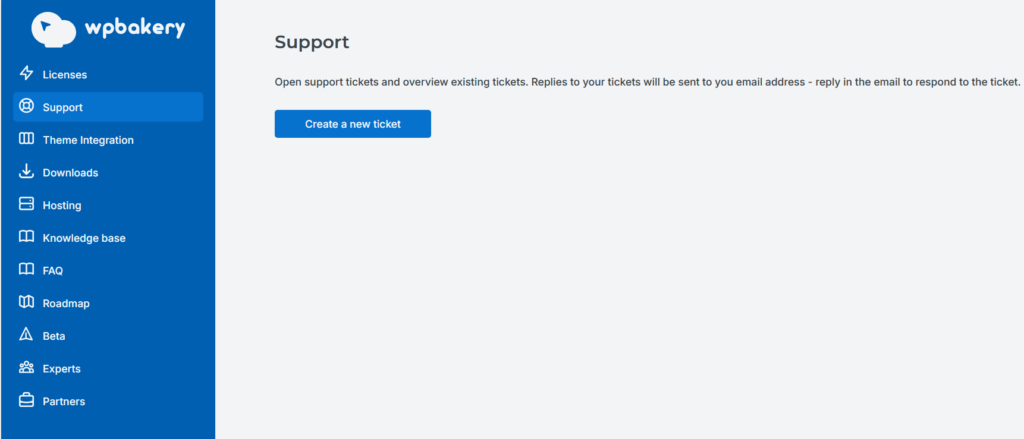
Using official resources is a smart move because it really speeds up troubleshooting and helps you minimize downtime when something goes wrong. When you rely on documentation, support forums, or knowledge bases directly from the plugin or theme developers, you’re much more likely to find accurate, up-to-date solutions.
These official channels are designed to address common issues, provide clear instructions, and often include step-by-step guides or FAQs. By starting with these trusted resources, you’ll save time, avoid unnecessary guesswork, and get your website back on track faster.
Contacting support efficiently
When you open a support ticket, always include detailed information: your WPBakery version, WordPress version, theme name and version, PHP version, a list of active plugins, and clear steps to reproduce the issue.
Providing all these details right from the start helps the support team understand your situation quickly and accurately, which means you’ll get a faster and more precise resolution.
Conclusion
Concerns about performance or being “outdated” are best addressed with real facts, not just opinions. WPBakery is actively maintained, widely adopted, and runs fast when paired with a lightweight theme, optimized images, and clean scripts.
The idea that any builder is inherently slow doesn’t usually match what you find in real-world diagnostics – most slowdowns come from heavy themes, huge images, too many scripts, or poor caching, not from WPBakery itself. With a little regular upkeep, WPBakery delivers a dependable editing experience that even non-technical users can count on.
If your install feels old or buggy, it’s almost always an outdated copy, not an outdated product. Many sites use theme-bundled versions, which only get updates when the theme author releases them. If you want the newest features, faster fixes, or full compatibility with the latest WordPress or PHP versions, switching to a direct license puts you in control. This is a practical, low-risk way to improve stability and future-proof your site.
For those who want extra guidance and quicker support, WPBakery Support Plus is a great safety net. Priority help, better compatibility advice, and guided update paths mean less downtime and fewer headaches – especially useful if you manage multiple sites or run critical projects. When you combine this with a simple maintenance routine – regular backups, staging tests, changelog reviews, and compatibility checks – you keep your site current and avoid preventable problems.
The path is simple: choose a compatible, well-supported theme; keep WordPress, your theme, and WPBakery up to date; and upgrade to a direct license for timely releases. Optimize your site with fast media and clean scripts, and use WPBakery’s editors to make changes safely and predictably. With this approach, you’ll stay up to date, compatible, and confident – and your visitors will enjoy the seamless experience they expect.

Explore topics

Read Inspiring Customer Stories
Check out how our user set Amelia for his business